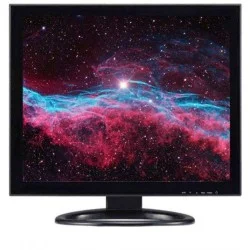
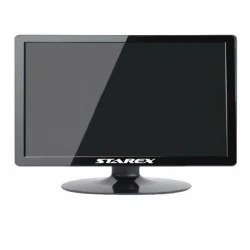
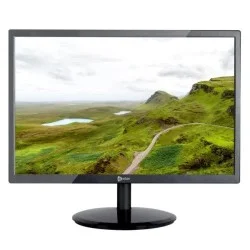
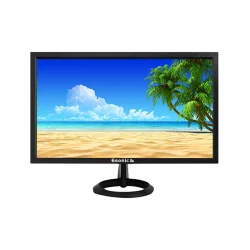
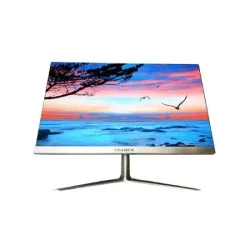
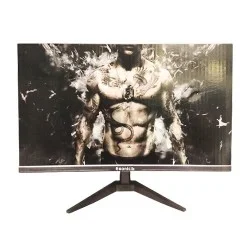
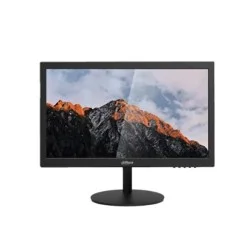
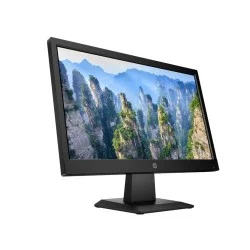
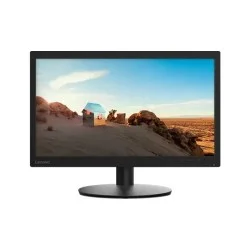
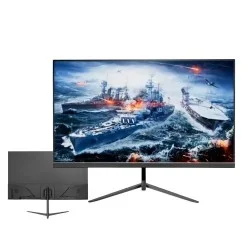
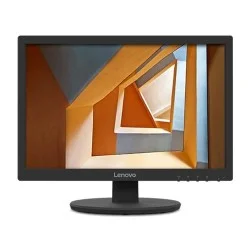
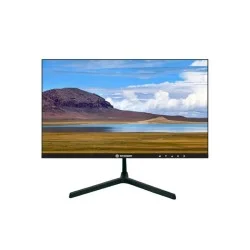
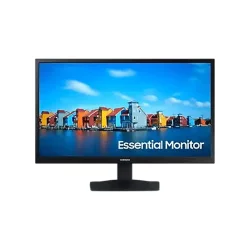
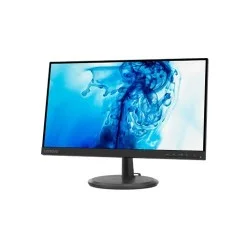
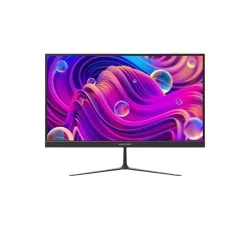
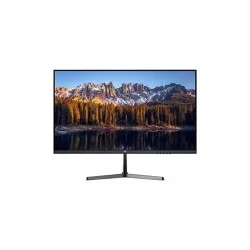
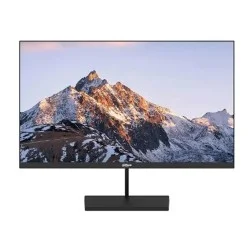
Monitor — Get Different types of Monitor in Bangladesh at Creatus Computer
A monitor is the one part of your setup you look at every single working hour, so it deserves more thought than most people give it. This category brings together every display Creatus Computer stocks in Bangladesh — from simple Full HD screens for study desks and billing counters, to high-refresh IPS gaming panels, colour-accurate editing displays, curved and ultrawide productivity screens, and 4K UHD monitors for creative work. Whether you are building your first desktop, adding a second screen to a laptop, or upgrading an office floor, the monitor price in BD you end up paying depends far more on panel type, resolution and refresh rate than on brand name alone.
What Actually Decides Monitor Price in Bangladesh
Two 24-inch monitors can sit in completely different price brackets, and the reason is almost always in the spec sheet. Before you compare prices, know what you are comparing.
Panel Type: IPS, VA, TN and OLED
- IPS — the default recommendation for most buyers. Accurate colour, wide viewing angles, and now available even in budget models. Best for office work, design, coding and general use.
- VA — deeper blacks and stronger contrast, common in curved and large-format displays. Great for movies and immersive gaming, slightly slower in fast motion.
- TN — cheapest and very fast, but colour shifts when viewed off-angle. Mostly found in entry-level and older stock.
- OLED / QD-OLED — true blacks, near-instant response, premium pricing. Worth it for high-end gaming and colour-critical creative work.
Resolution vs Screen Size
Resolution only matters in relation to size. Full HD (1920×1080) looks sharp up to 24 inches. At 27 inches, FHD starts to look soft and QHD (2560×1440) becomes the sensible choice. 4K UHD (3840×2160) genuinely pays off at 28 inches and above, or for photo and video editors who need pixel detail. Buying a 32-inch Full HD screen to save money usually leads to regret within a month.
Refresh Rate and Response Time
For browsing, MS Office, accounting software and general work, 60Hz to 100Hz is perfectly comfortable. For competitive titles like Valorant, CS2 or PUBG, 144Hz is the practical starting point, with 180Hz, 240Hz and beyond serving serious esports players. Pair a high refresh rate with a low response time (1ms–5ms GtG) and adaptive sync — AMD FreeSync or NVIDIA G-Sync — to eliminate screen tearing. A 240Hz panel is wasted if your graphics card cannot push the frames, so match the monitor to your GPU.
Ports and Connectivity
Check what your PC or laptop actually outputs. HDMI is universal; DisplayPort is preferred for high refresh rates; USB Type-C with power delivery lets a single cable carry video and charge a laptop. VGA-only monitors are still sold in the budget tier and are best avoided unless you are connecting older office hardware.
Ergonomics and Eye Comfort
If you spend six or more hours at a desk, height adjustment, tilt, flicker-free backlighting and low blue light modes matter more than an extra 20Hz. VESA mount support (typically 75×75 or 100×100 mm) also lets you free up desk space with a proper arm.
Choose a Monitor by Use Case
| You are a… |
Look for |
Suggested model |
| Student / home & office user |
21.5"–24", Full HD, IPS, 75–100Hz, HDMI |
AOC 22B20JH2 22-inch 100Hz IPS FHD Monitor |
| Business / multi-seat office setup |
24"–25", FHD IPS, eye-care, VESA mount |
MSI PRO MP251L E2 24.5-inch 120Hz IPS Business Monitor |
| Competitive / QHD gamer |
27" QHD, 165Hz+, 1ms, G-Sync compatible |
ASUS ROG Strix XG27ACS 27-inch 180Hz WQHD Gaming Monitor |
| Designer / video editor |
27"+ QHD or 4K IPS, high sRGB / DCI-P3 coverage |
BenQ MOBIUZ EX2710Q 27-inch QHD IPS Monitor |
| Freelancer working on the move |
15.6" portable, USB-C powered, FHD IPS |
MSI PRO MP161 E2 15.6-inch FHD Portable Monitor |
Monitor Price Segments in BD
Rather than fixating on a single figure — prices move with import duty, dollar rate and stock cycles — it helps to think in tiers:
- Entry tier: 18.5"–22" HD and Full HD screens, mostly 60Hz–100Hz, aimed at cyber cafés, billing counters, study tables and basic home use. Brands like Esonic, Starex, Value-Top, Dahua and Walton dominate here.
- Mid tier: 22"–27" Full HD and QHD IPS panels with 100Hz–165Hz refresh rates. This is where most buyers land, and where the best value sits — you get proper colour, a modern panel and gaming-capable smoothness.
- Upper-mid tier: 27"–32" QHD and 4K displays, 144Hz–240Hz, adaptive sync, USB-C, and colour coverage suitable for professional creative work.
- Premium tier: OLED, ultrawide and super-ultrawide flagship panels such as the Samsung Odyssey G9 49-inch 240Hz Curved QLED Gaming Monitor — built for enthusiasts, trading desks and multi-window professionals.
Because pricing shifts frequently, the live prices shown on this page are always the current ones. Use the sidebar filters — screen size, resolution, panel type, refresh rate, brand and availability — to narrow down to what is actually in stock before you decide.
Monitor Brands Available in Bangladesh
Creatus Computer stocks displays from every major brand in the local market. LG monitors are known for their IPS and Nano IPS panels and are popular with designers and multimedia users. Samsung monitors lead the curved and Odyssey gaming segment. ASUS monitors, including the ROG and TUF lines, are the go-to for esports. MSI monitors have grown quickly on the strength of Rapid IPS and QD-OLED panels, while Dell and HP monitors remain the safe corporate choice for durability and long warranty coverage. Value-focused buyers will also find Walton, Value-Top, PC Power, Dahua, Hikvision, ViewSonic, AOC, Gigabyte, Lenovo, Acer and Xiaomi options here.
Buying Tips for the Bangladesh Market
- Confirm the warranty term and what it covers. Most monitors carry a 3-year panel warranty in BD, but panel, backlight and adapter coverage can differ — check before you pay.
- Insist on official channel stock. Grey-market units are cheaper up front and painful later when service is refused.
- Check dead-pixel policy at delivery. Inspect the screen during handover rather than days after.
- Budget for the stand or arm. Many budget monitors ship with a fixed, tilt-only stand. A monitor stand or mount often improves comfort more than the next spec upgrade would.
- Match the monitor to your GPU. If you are planning a new build, our PC Builder tool helps you pair a display with the right graphics card and avoid overspending on refresh rates your system cannot use.
Related Categories
Explore gaming monitors for high-refresh and adaptive-sync displays, 4K monitors for ultra-sharp creative and productivity work, and graphics cards to make sure your GPU can actually drive the resolution and frame rate you are buying into. Setting up a complete workstation? Browse desktop PCs and laptops as well.
Frequently Asked Questions
Which monitor size is best for everyday use in Bangladesh?
For most home and office desks, 22 to 24 inches with Full HD resolution is the sweet spot — sharp text at normal viewing distance and comfortable on a standard-depth desk. Move to 27 inches only if you also move up to QHD resolution, otherwise text and images will look noticeably soft.
Is an IPS monitor worth paying extra for?
Yes, for almost everyone. IPS panels give accurate colour and consistent image quality from any viewing angle, which matters for design work, shared screens and long working sessions. The price gap between TN and IPS has narrowed considerably, so there is rarely a good reason to choose TN today.
Do I need a 144Hz monitor if I only play casually?
Not necessarily. A 100Hz or 120Hz panel already feels noticeably smoother than 60Hz for casual gaming and everyday scrolling. Step up to 144Hz or higher only if you play competitive shooters and have a graphics card capable of sustaining those frame rates.
What warranty do monitors come with in BD?
Most branded monitors sold in Bangladesh carry a three-year warranty, though the exact term and the parts covered vary by brand and model. The warranty details are listed on each individual product page — check there before purchasing.
Can I use a monitor with my laptop?
Yes. Connect via HDMI, DisplayPort or USB Type-C, depending on the ports your laptop has. A USB-C monitor with power delivery is the tidiest option because one cable handles both video and laptop charging. You can then extend or mirror the display from your operating system's display settings.
Is a curved monitor better than a flat one?
It depends on size and use. Curved screens feel more immersive for gaming and media, and on wide 32-inch-plus or ultrawide panels the curve genuinely reduces neck movement. On smaller screens the benefit is minimal, and flat panels remain better for precise design work where straight-line accuracy matters.